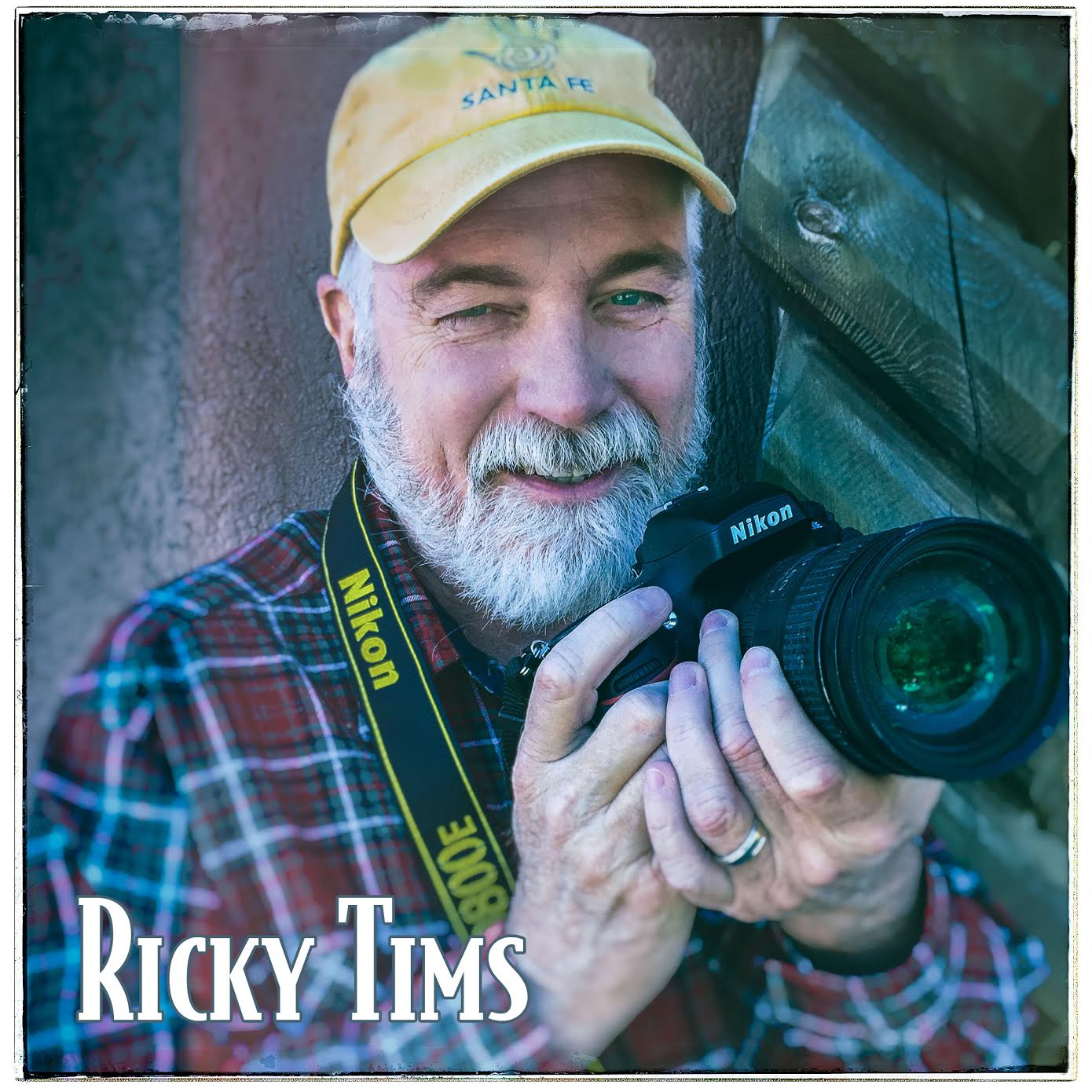

Online Photography Classes with Ricky Tims
Online Photography Classes with Ricky Tims

$169.00
For 2026, this course is self-contained and self-paced. It is a full and complete repeat of the 2025 lessons. There will not be an interactive course for 2026.

THIS IS REGISTRATION PAGE is for 2026 Participants. The 2026 challenges will not be interactive. All sessions are posted and available all at once. Proceed at your own pace.
After 11 years of posting new photo lessons each week, it's time to take a break. For the year 2026, those wanting to benefit from my photo class lessons must proceed on your own. All lessons are posted instantly so, rather than doing one challenge per week, you can do as many as you wish - anytime. As always, lessons you purchase through Photo Class For You remain in your library forever.
BEFORE REGISTERING
PLEASE READ ALL THE FOLLOWING INFORMATION CAREFULLY.
The step-by-step, manageable lesson plan features a wealth of information and covers a variety of subjects.
You will learn basic camera techniques (DSLR or mirrorless cameras), Lightroom and Photoshop, as well as numerous specialty techniques.
This is Part 1 (26 lessons) of an in-depth, digital photography class.
This photo course is self-paced. You review the pre-recorded lessons and view the downloadable PDFs on your own time at your convenience.
POSTING IMAGES
You are welcome to post challenge images as you wish. All 2026 image will be uploaded to the end of that month's gallery. All 2025 images will remain in place at the front of the monthly gallery.
EVALUATIONS
It is advisable to review the comments in the gallery. About 8-12 images at the front of each lesson's images have my comments. Learn from my comments and evaluate your own images based on those. Again...2026 is a self-paced, self-guided set of lessons.
Proper camera gear and software is still required in order to effectively do the lessons - see below.
Part 1 (first 26 weeks) is $169
Part 2 (13 lessons) $99
Part 3 (final thirteen lessons) is $49
What You Will Learn
• Learn camera basics
• Learn in-camera specialty techniques
• Learn the elements of art and principles of design
• Learn Lightroom and Photoshop
• Learn special editing techniques and methods
Class access begins instantly.
WATCH THIS VIDEO featuring 40+ student images.
Please read the following Q & A carefully.
Q: Who should take this class?
A: Everyone who is interested in photography regardless of his or her artistic medium or skill level. Young and old, near and far, and experienced and inexperienced. All are welcome.
Q: Can I submit previous images that I have taken previously that fit the challenge theme?
A: All submitted photos must be NEW photos.
Q: When do classes start?
Immediately. As a self-contained and self-paced class, you will have access to all 26 lessons in Part 1, instantly. These are all the lessons from 2025.
Q:What type of Camera do I need?
A: REQUIRED: You will need a DSLR or Mirrorless Camera with changeable lenses. This class is not intended for those using point-n-shoot cameras or smart phones. This is not a smart phone photo course. There are lower level cameras that can access the required settings by going into the screen menu. These are not recommended. Having the primary dials for settings on the camera body, finger-touch dials and buttons, will be much more user-friendly. In general, if you can change lenses, you will have what you need. If you have a camera with a non-changeable, built-in lens, I would suggest investing in an upgrade prior to registering for class.
You will need the ability to shoot in Manual Mode, Shutter Priority Mode and Aperture Priority Mode. Some cameras will have an image stabilization or vibration reduction on/off feature, which is beneficial, but not required. Before class starts, read your camera manual, learn where your manual adjustments are located. The sooner you know how to quickly make adjustments to functions like ISO settings, shutter speed, over/under exposure, etc., the quicker you can focus on taking pictures instead of feeling lost and confused with your camera. A camera with external buttons/dials for quickly changing aperture, shutter speed, and ISO is recommended. We will start with the basics and progresses with the assumption the students have zero camera knowledge.
Q: How do I know what camera to buy if I don't have one?
A: There are a variety of brands to choose from. However, the majority of photographers are split into the Nikon camp or the Canon camp. Sony has favorable mirrorless cameras as well. Of course, there are many other brands. Check with your local camera store and have them assist you. If you don't have a local camera shop, shopping online can be helpful. Look for a bundle that will have the camera body, two lenses, digital media, filters, camera bag and more. Those are often the best value for startup gear.
Q: What lenses will I need?
A: REQUIRED: During this course you will need to shoot wide and zoomed.
There are versatile zoom lenses that allow for both wide and zoomed. Most students will use two lenses, such as a 24mm-70mm and a 70mm-200mm. If you have lenses that are wider than 24mm or longer than 200mm, that is a bonus but not required. Lenses vary. The specific range stated above is just a suggestion. You will need versatility for the types of shooting we will do over the course. Specialty lenses (such as macros, fish-eye, etc.) are not required, but may certainly be used as an option from time to time.
Q: Do I need a tripod?
A: REQUIRED: A good quality tripod is an absolute must. There are many lessons that cannot be accomplished with a hand-held camera.
PLEASE NOTE: An expensive camera should never be paired with an inexpensive, flimsy tripod. Quality tripods and head mounts are not priced at $19-$29. Expect to make the investment. Your camera needs to be matched with a tripod that will support and protect your camera. Sturdy, carbon fiber or aluminum tripods are recommended. Consider your options and select one that best suits you. Quality tripods are usually sold separately from the head mount. Tripod heads come in different styles. Tripods are best selected "in person" as are the ball heads. You will discover what features are most comfortable for you. Another consideration for tripod is twist-release leg extensions vs flip-lock leg extensions. My preference is flip-lock, but that doesn't mean a twist-release shouldn't be your personal choice.
Q: What software will I need?
A: REQUIRED: All participants must have the Creative Cloud version of Adobe Lightroom Classic and Adobe Photoshop. Additional software for editing plug-ins will be covered later in the year. There is not a requirement to purchase the additional software.
Adobe offers the Creative Cloud option for Photoshop/Lightroom bundle for $9.99 per month (or $119.88 annually) which I highly recommend. Here is the link to get Adobe's Creative Cloud Photography Plan. It comes with Lightroom, Lightroom Classic, and Photoshop. We will only be using Lightroom Classic and Photoshop for this class. All lessons are taught using Lightroom Classic platform. There is also a Lightroom (non-classic) version. We will not be using the non-classic version. Should you opt to use Lightroom instead of Lightroom Classic, you will need to make any adjustments and learn the differences on your own. My guidance will not be available for the Lightroom version. I will be using and teaching Lightroom Classic.
FOLLOW THIS LINK TO GET YOUR SOFTWARE. Choose the PHOTOGRAPHY option with Lr and Ps. On the link click SELECT to obtain your product.
The software is licensed rather than purchased, making it very accessible to everyone. Using the Creative Cloud means that when there is an update, there is no charge for the new version. The monthly or annual fee ensures you can get all updates. You can use either the PC or the Apple platform. Video lessons will be demonstrated using the Apple platform. The differences between the two platforms are minor.
You will only need to install Photoshop and Lightroom Classic. I do not teach "Lightroom" in class, please use "Lightroom Classic"
Frequently Asked Questions
Can I use Photoshop Elements for this class?
No. Please use the latest version of Photoshop.
Can I use older versions of Photoshop and Lightroom?
No. Please get the latest version of software listed above.
Will I learn how to photograph my quilts?
Not specifically. The photo skills you learn will allow you to take much better photos of your quilts, but many (if not most) in the class are not quilters. You will learn to be a better photographer which in turn will help you to better photograph your artworks.
About the Class Format:
You will review the lesson on your own at your own convenient time. You don't have to login at a specific time to learn and watch.
1. Review the lesson first.
2. Take your photo, process it, and save/export it. (You will learn how to do so in class).
3. Upload it to the class gallery - ONLY ONE PHOTO IS ALLOWED FOR EACH LESSON
The challenge and lessons are self-contained. Proceed through them at your own pace.
Types of Challenges/Assignments
This course will teach you a variety of things: Camera technique, composition, software, and SO MUCH more.
Camera technique: If you are a novice at making the camera do what you want (rather than having the camera make automatic choices for you, i.e. “point and shoot”), you will learn many techniques – like depth of field, bracketing, and panning. You will learn to be in charge of your all settings including ISO.
Composition: A significant part of the class will be dedicated to composition by exploring the Elements of Art and Principles of Design.
Software: I will also teach a variety of techniques using Lightroom and Photoshop. There will be challenge weeks that are theme based only so that you will not be limited by a special technique or design challenge assignment.
How does the class share images?
The images are uploaded to a gallery at Smugmug.com. You do not have to purchase a Smugmug account to upload images or to view the images and participate in the class and view the images.
BY REGISTERING for this course, YOU GRANT PERMISSION FOR YOUR SUBMITTED IMAGES TO BE USED IN A MEMORY BOOK AND OTHER PROMOTIONS (ONLINE SOCIAL MEDIA, PRINT, or VIDEO) associated with Ricky Tims and PHOTOCLASSFORYOU.COM.
What is my commitment?
Course Dedication
It is estimated that you will need about 1-2 hours each week for this class. At first you may find you spend about 2-4 hours if you are just learning your software or other concerns.
If after the first 26 weeks you are inspired to continue, you can choose to continue on with Part 2, and subsequently, Part 3.
Deadlines for submission must be met on time each week. Late submissions are cumbersome from an administration aspect. Please don't submit challenge photo late.
I do not keep a record of who posts their challenge images and who doesn't. Should you find you have to miss a week here or there, or find that life gets in the way, don't worry, the lessons are still being posted and you can review them in the future at any time. Please don't post your images after that week's deadline. Your registration gives you permanent access to the lessons. They are yours forever - yes, that means next year and beyond!
What Happens to These Lessons in the Future?
You will forever be able to login and access the lessons and videos associated with your purchased classes. If you find you have to take a break from the challenges, but would like to review these on your own in the future, they will always be there for you to login and access under your My Classes tab. The My Classes tab only appears when you are logged in to www.photoclassforyou.com.
TESTIMONIALS
The lessons on design and Photoshop are wonderful. And the opportunity for growth that Ricky provides is invaluable! I thought this class would be about photography, which it is of course, but so much more. You will learn to refine how you see and to dig deep into your inner artist. – R. Miracle
Every Sunday morning, like a kid waiting for Santa, I open up the next lesson. Lessons continuously build our skills with the camera, composition and the use of Photoshop to enhance our pictures. Ricky quickly responds to questions and classmates are eager to share their knowledge and provide assistance. I recommend this class to anyone who truly wants to get to know their DSLR and become a better photographer. – C. Shaw
Your photography skills—composition, knowing your camera, and processing will grow exponentially over the course. Best of all, each lesson’s scope is a do-able “bite-size.” If you have more time, you can go deeper, learning from fellow students’ work. Recently, I took my son’s Senior (HS) portrait and the comments were “looks professional!” That’s thanks to how much I have learned this year. A FAB class….and wanting more! – S. A. Smith
The 52 Week Photography Challenge has been a worthwhile adventure into the technical and creative aspects of making photographs. My favorite aspect is being motivated on a weekly basis to get out and shoot. This year with Ricky has rekindled my love of photography. – J. Puntnam
I loved the 52 week photo challenge class. I learned tons about camera settings and post editing techniques. Tutorials were excellent and your weekly critiques were honest yet kind and taught me so much about photography and art principles. Thanks for a wonderful year! – J. A. Banks
Learning Photoshop in babysteps has taken away the fear. Shooting photos every week, I finally feel in control of the camera. Ricky and the other participants are always there for you... with helpful tips and encouragement. And reviewing photos from all across the country as well as Europe and Australia has been a delight. – Kari "Safari" Bauer
| 31 video lessons | |
| 26 lesson downloads |



